

 Chinese
  French
  English
  Spanish
  Japanese
  Korean
  Hindi
Hindi  German
  Norwegian



What is a cron job?
Explanation
In the web world, you have probably already heard of cron jobs, which is short for chronological tasks. If you are wondering what that means, you will see, it is very simple.
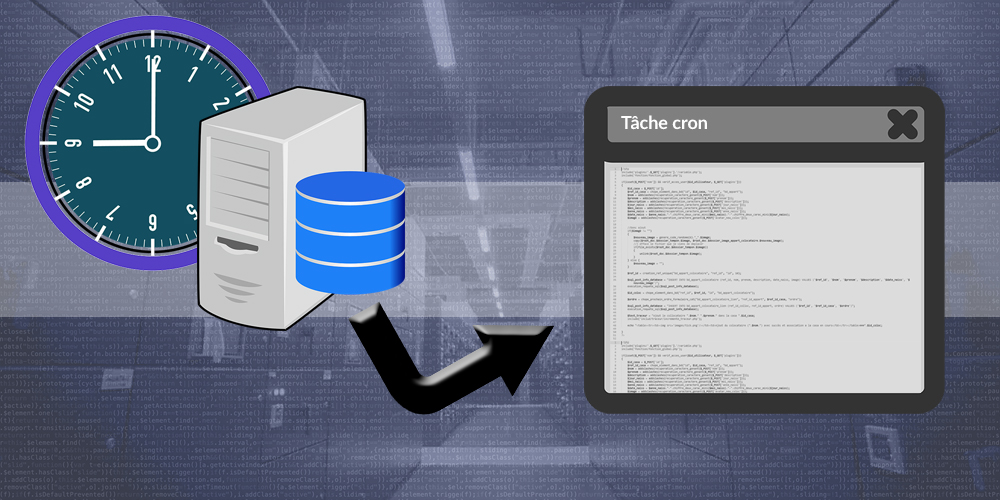
A chronological task is a script triggered directly by a server at regular intervals.
Indeed, most of the time, when building a website, we make sure the data remains consistent; otherwise, we correct the information stored on the site using data-processing scripts. All scripts contained in a website are usually activated by a user's visit when pages load. But sometimes, some scripts take a little longer to run, or have no connection with users, and need to be activated automatically at regular intervals. That is what becomes a cron job.
Some examples of cron jobs:
- Data archiving, for example a visit counter that, at the beginning of each month, could group the visits of a day into a single entry. 500 visits, therefore 500 entries, could become one entry with the value 500.
- Sorting data, for example automatically removing from a visit counter all visits recorded with your own IP address.
- Automatically sending newsletter emails
- ...
How to create a cron job
First of all, you must write your script, usually in PHP, and know its access path. Of course, you can test your script by opening it directly in your browser to make sure it works.
Finally, in your hosting service interface, you will very probably have a cron job section. It allows you to define trigger sequence options and insert your target URL. Very often, this sequence is defined with * to indicate "all the time", or with 18 in the hours field so that the task only runs during the 18th hour, or 18-24 so that it runs between 6 p.m. and midnight.
Do not worry if you do not know how to fill in the sequence fields; tons of websites explain it, and even your hosting provider's page will probably guide you directly.
Developer tip
Personally, I chose my own method for creating and managing cron jobs. Sometimes, hosting providers limit you to a single cron job, so I decided to always create only one cron job, which then executes hundreds of other potential scripts depending on conditions.
The idea is to have your own cron manager integrated into your website, with an initial cron job whose action is to choose the real cron job to execute, then the selected script is inserted into the main script.
This provides greater flexibility, and the main cron job only needs to be executed as often as possible; at worst, it will include nothing, which will not consume system resources.



What is a cron job?
Explanation
In the web world, you have probably already heard of cron jobs, which is short for chronological tasks. If you are wondering what that means, you will see, it is very simple.
A chronological task is a script triggered directly by a server at regular intervals.
Indeed, most of the time, when building a website, we make sure the data remains consistent; otherwise, we correct the information stored on the site using data-processing scripts. All scripts contained in a website are usually activated by a user's visit when pages load. But sometimes, some scripts take a little longer to run, or have no connection with users, and need to be activated automatically at regular intervals. That is what becomes a cron job.
Some examples of cron jobs:
- Data archiving, for example a visit counter that, at the beginning of each month, could group the visits of a day into a single entry. 500 visits, therefore 500 entries, could become one entry with the value 500.
- Sorting data, for example automatically removing from a visit counter all visits recorded with your own IP address.
- Automatically sending newsletter emails
- ...
How to create a cron job
First of all, you must write your script, usually in PHP, and know its access path. Of course, you can test your script by opening it directly in your browser to make sure it works.
Finally, in your hosting service interface, you will very probably have a cron job section. It allows you to define trigger sequence options and insert your target URL. Very often, this sequence is defined with * to indicate "all the time", or with 18 in the hours field so that the task only runs during the 18th hour, or 18-24 so that it runs between 6 p.m. and midnight.
Do not worry if you do not know how to fill in the sequence fields; tons of websites explain it, and even your hosting provider's page will probably guide you directly.
Developer tip
Personally, I chose my own method for creating and managing cron jobs. Sometimes, hosting providers limit you to a single cron job, so I decided to always create only one cron job, which then executes hundreds of other potential scripts depending on conditions.
The idea is to have your own cron manager integrated into your website, with an initial cron job whose action is to choose the real cron job to execute, then the selected script is inserted into the main script.
This provides greater flexibility, and the main cron job only needs to be executed as often as possible; at worst, it will include nothing, which will not consume system resources.
What is a cron job?
Explanation
In the web world, you have probably already heard of cron jobs, which is short for chronological tasks. If you are wondering what that means, you will see, it is very simple.
A chronological task is a script triggered directly by a server at regular intervals.
Indeed, most of the time, when building a website, we make sure the data remains consistent; otherwise, we correct the information stored on the site using data-processing scripts. All scripts contained in a website are usually activated by a user's visit when pages load. But sometimes, some scripts take a little longer to run, or have no connection with users, and need to be activated automatically at regular intervals. That is what becomes a cron job.
Some examples of cron jobs:
- Data archiving, for example a visit counter that, at the beginning of each month, could group the visits of a day into a single entry. 500 visits, therefore 500 entries, could become one entry with the value 500.
- Sorting data, for example automatically removing from a visit counter all visits recorded with your own IP address.
- Automatically sending newsletter emails
- ...
How to create a cron job
First of all, you must write your script, usually in PHP, and know its access path. Of course, you can test your script by opening it directly in your browser to make sure it works.
Finally, in your hosting service interface, you will very probably have a cron job section. It allows you to define trigger sequence options and insert your target URL. Very often, this sequence is defined with * to indicate "all the time", or with 18 in the hours field so that the task only runs during the 18th hour, or 18-24 so that it runs between 6 p.m. and midnight.
Do not worry if you do not know how to fill in the sequence fields; tons of websites explain it, and even your hosting provider's page will probably guide you directly.
Developer tip
Personally, I chose my own method for creating and managing cron jobs. Sometimes, hosting providers limit you to a single cron job, so I decided to always create only one cron job, which then executes hundreds of other potential scripts depending on conditions.
The idea is to have your own cron manager integrated into your website, with an initial cron job whose action is to choose the real cron job to execute, then the selected script is inserted into the main script.
This provides greater flexibility, and the main cron job only needs to be executed as often as possible; at worst, it will include nothing, which will not consume system resources.